
Verify the invite from an official game channel, then use the server for announcements while checking time-sensitive rewards in game.
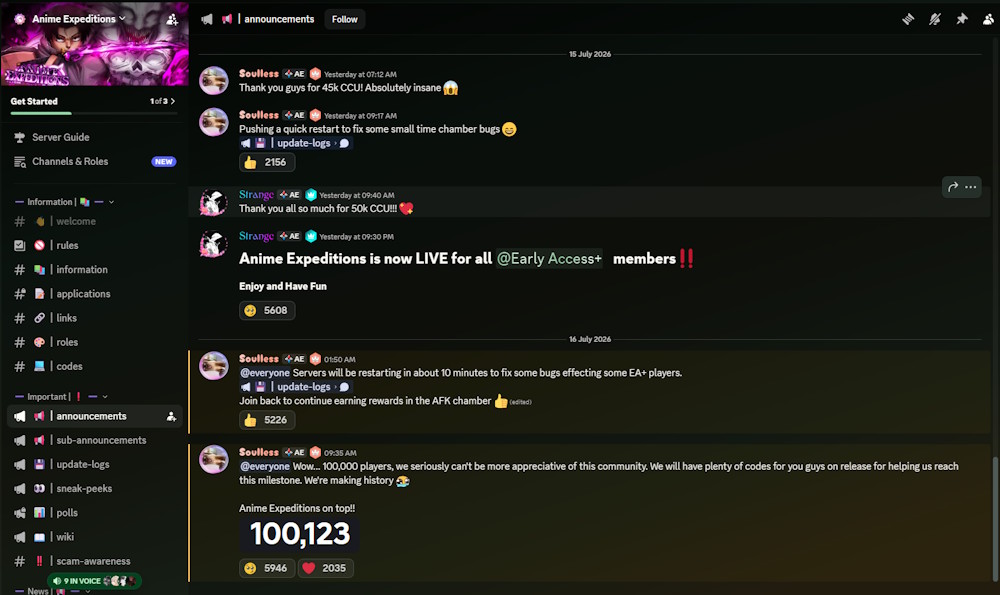
Use the server in the right order
Verify before you join
The current wiki link uses the official invite recorded in the guide earlier, but a player should still verify it from the official Roblox experience, developer profile, or official channel description before taking action. Search pages can contain similar spellings and unrelated servers.
A community server should never need your Roblox password, browser extension, recovery code, or payment information. Leave any flow that requests those items and return to an official link.
Use Discord as a starting signal
The earlier material highlights announcements, update logs, events, polls, previews, and community discussion. These help identify where a new code or patch note originated, but a quick message is not a substitute for the published text or an in-game check.
For a code, retain the exact spelling and post date. For a balance claim, test in the current game or wait for a fuller official change note. That preserves Discord's speed without turning it into an unverified fact guide.